
✦ Your external memory for the internet
How many tabs are you keeping open just because you're afraid to lose them?
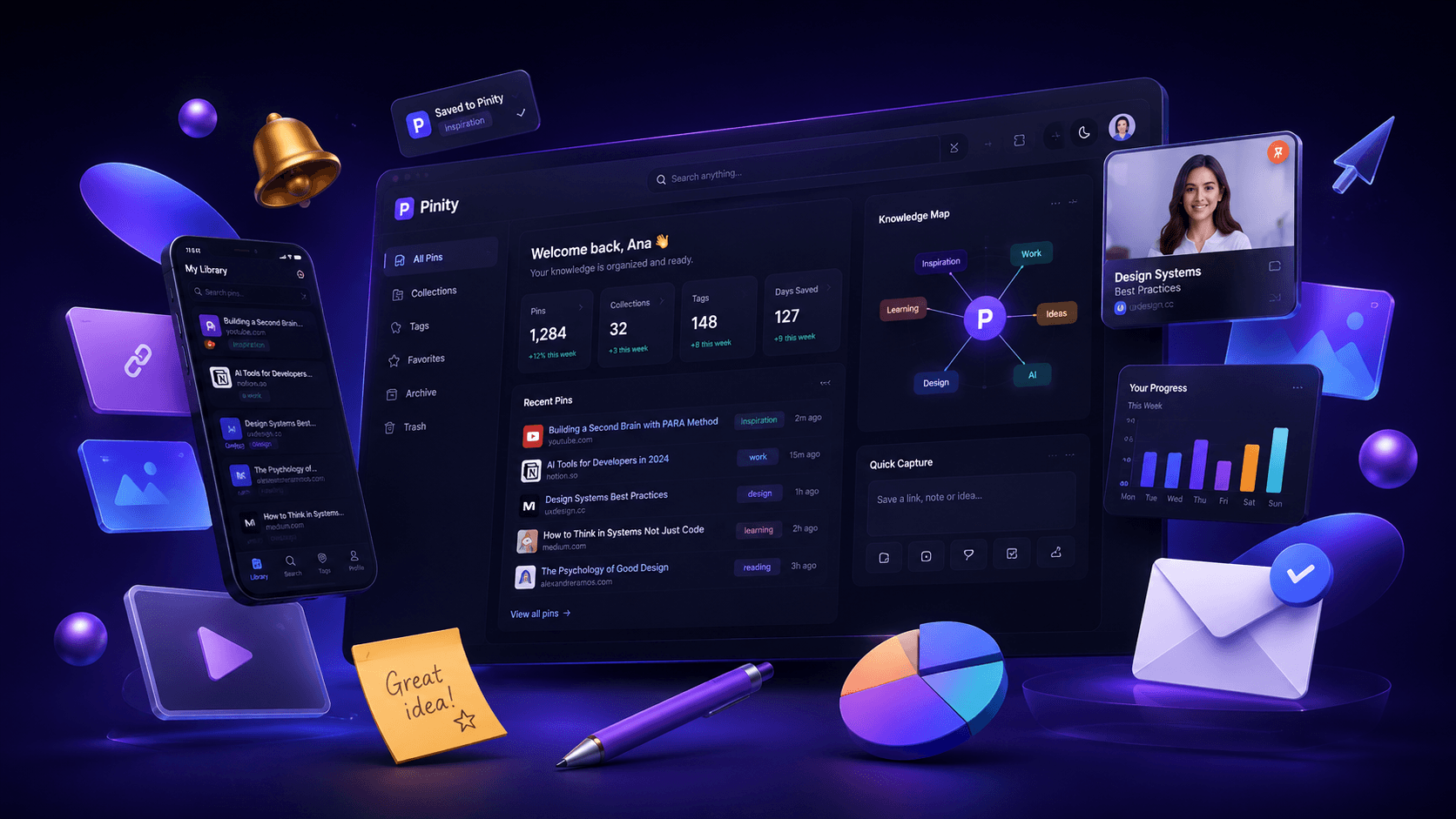
Pinity preserves everything important you discover online, so you can access it later from any browser, any device, anywhere.
The Hidden Cost of Open Tabs
Tabs are not open by accident.
There is a real phenomenon called Tab Hoarding: people keep hundreds of tabs open because each one represents something they don't want to lose.
One Firefox user kept more than 7,500 tabs open for over two years. Not because she needed them today. Because she was afraid of losing them tomorrow.
A tab stays open because there was a reason to open it, and you're not ready to lose it yet.
Over time, your browser becomes a storage system for ideas, research, projects, and knowledge it was never designed to hold.
The real problem
Every open tab is something you're afraid to forget.
And that fear is exactly what keeps your browser overloaded. Eventually your browser stops being a tool and becomes a fragile memory system. Because...
Browser crashed
One unexpected crash can wipe out hours of open research.
Closed the wrong tab
That one valuable page disappears right when you need it.
New computer
Switching devices often means losing your browsing context.
Changed devices
What you found on one device is hard to recover on another.
Cleaned history
Browser history is messy, temporary, and difficult to trust.
Too many tabs
You keep everything open because you're afraid to lose it.
Every open tab becomes an unplanned backup for ideas, research, and knowledge.
Why Pinity exists
Once upon a time, a browser with 317 open tabs...
Pinity started with a simple frustration.
Our CTO had hundreds of tabs open across multiple devices.
Not because he needed them today.
He kept them open because he was afraid of losing something important tomorrow.
Then one day, a crash happened.
Years of carefully preserved information disappeared.
That's when we realized the problem wasn't the browser. The problem was using tabs as a memory system.
For the first time,information could survive
without keeping the tab alive.
The Pinity Solution
Feel free to close the tab.
And keep your knowledge safe.
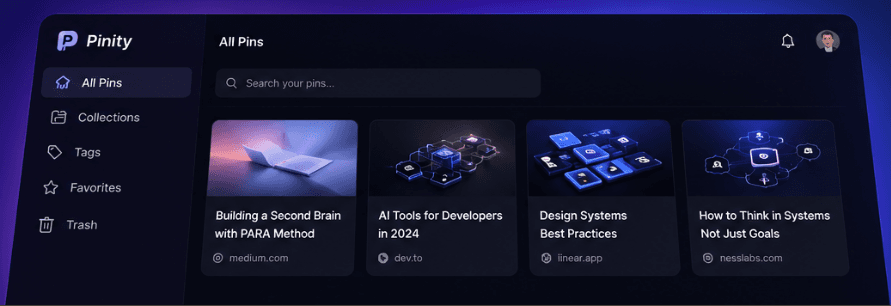
Save what matters, not just the link.
How It Works
Turn open tabs into permanent knowledge in minutes.

Step 1
Install the Extension
Available for Chrome, Firefox, and Edge.

Step 2
Sign In Instantly
Use Google, email, or a team invite.

Step 3
Close the Tab, Not the Knowledge
Pin the tabs you want to keep. Your browser no longer has to remember them.

Step 4
Organize What Matters
Use tags, folders, and collections to keep your knowledge searchable.

Step 5
Access Anywhere
Save it once. Access it from any browser, any device, anywhere.

Step 6
Let AI Help
Use automatic tags, summaries, and insights as your library grows.
Works on Your Browser
Optimized for modern browsers.
 chrome
 firefox
 edge
edge safari
Install once and access your knowledge from anywhere.
Choose Your Plan
Simple pricing for individuals and teams.
Need a custom plan for your organization? Talk to Sales
✦ Your future knowledge
What knowledge do you want to keep tomorrow?
Every tab you save today is knowledge you'll still have tomorrow.
The internet remembers everything.
Your browser doesn't.
Pinity does.
Starting at $1/month • Secure Payments • Setup in 60 Seconds